
Katas
Follow these steps to add and group katas in KumiteTechnology.
1. Go to Katas
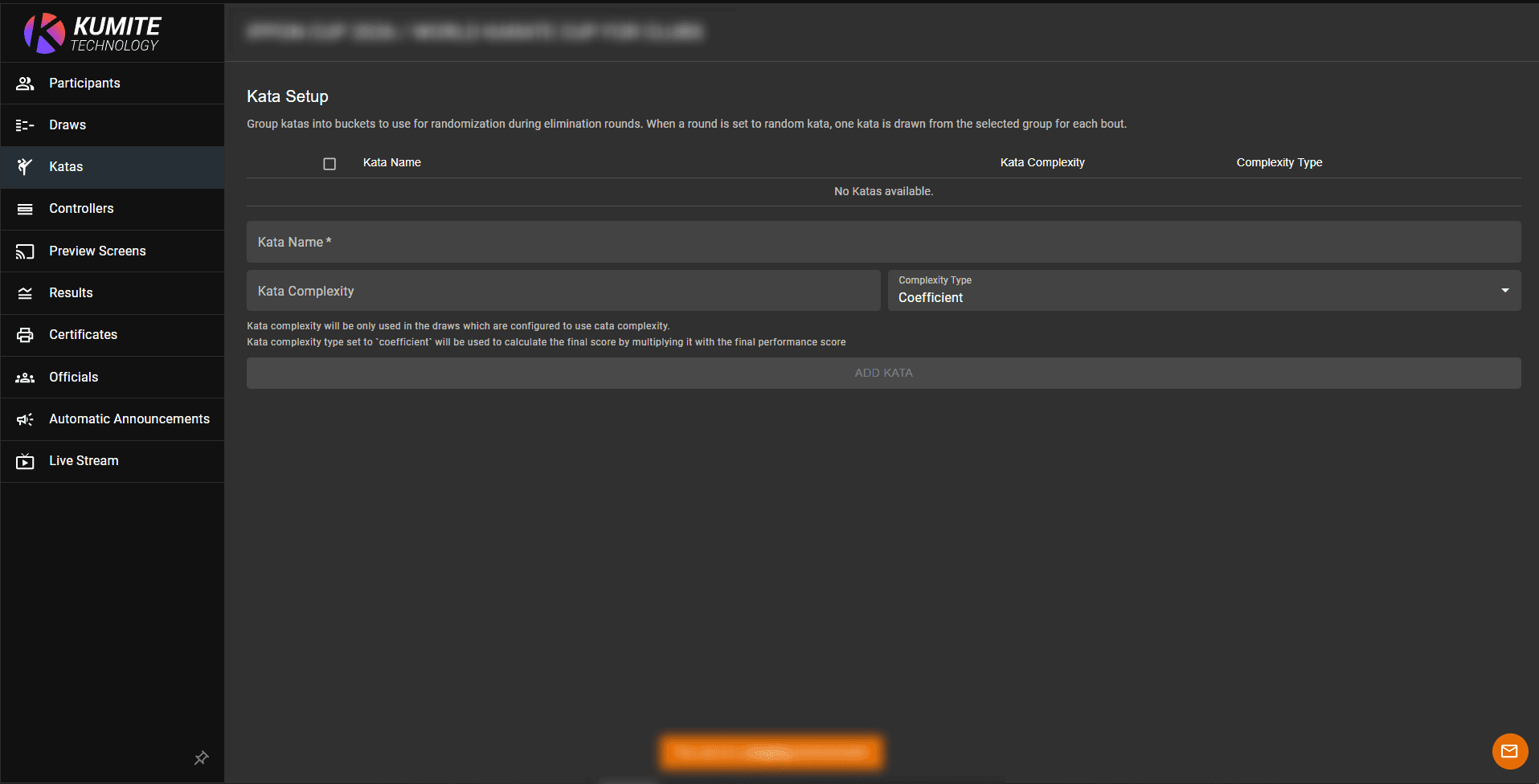
Open your tournament admin page and select Katas from the navigation menu.
2. Add Katas
Enter the kata name and click Add Kata.
3. Group Katas
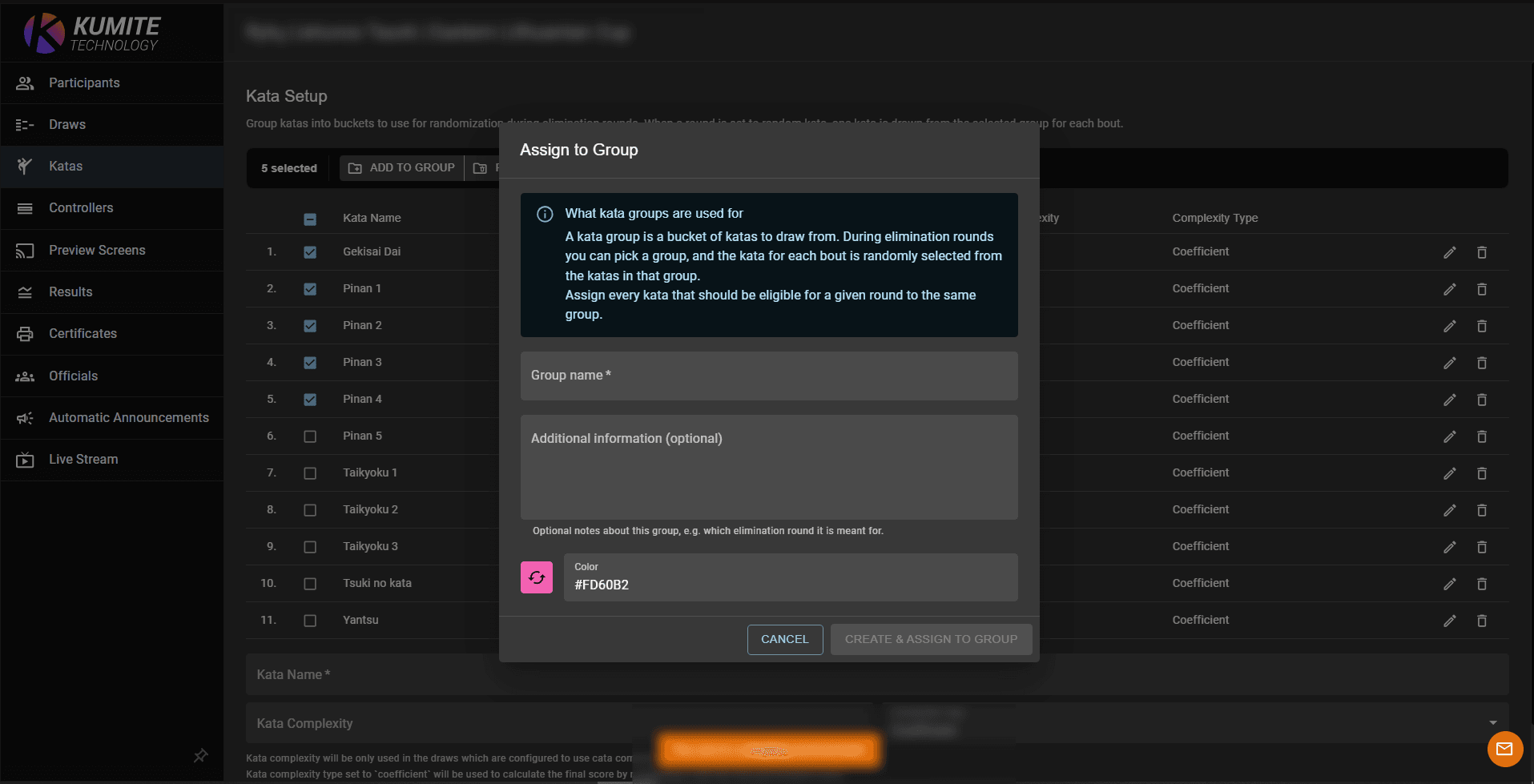
Select the katas you want to include in a group, click Add to Group, enter the group name, and save the group by clicking Create & Assign to Group.
Grouped katas can be managed together and used to define which katas are available for specific competition stages.